4 min read
How to Replace Paper Loyalty Cards with Digital
A step-by-step guide to migrating your paper loyalty cards to a digital system. Covers planning, setup, customer communication, and measuring results.
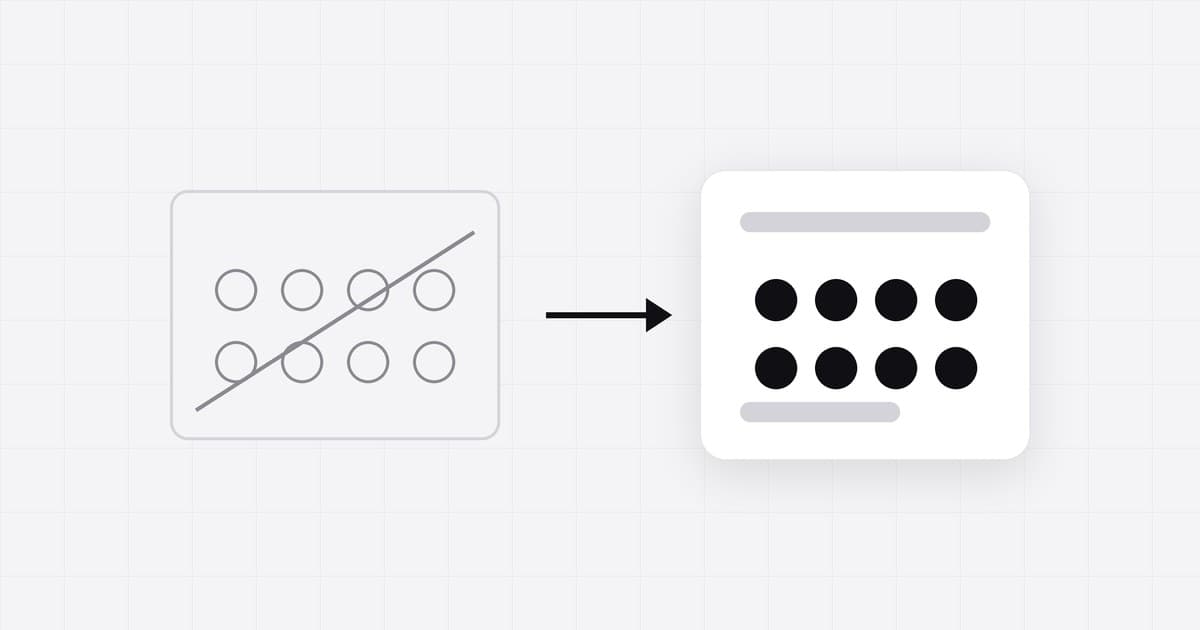
You have been running a paper loyalty card program for a while. It works, but cards get lost, you have no data on your customers, and you suspect fraud. It is time to go digital. Here is how to make the switch without disrupting your business or frustrating your regulars.
Step 1: Audit Your Current Program
Before you change anything, understand what you have:
- Program type: What are your current rules? Buy 10 get 1 free? Points per dollar? Something else?
- Reward structure: What do customers get, and at what threshold?
- Approximate participation: How many customers actively use the paper card? (You will not have exact numbers, and that is fine, because that is one of the problems you are solving.)
- Pain points: What is not working? Lost cards? Fraud? Inability to contact customers?
Write this down. Your digital program should replicate what works and fix what does not.
Step 2: Choose Your Digital Platform
Look for a platform that:
- Supports your program type (stamps, points, tiers and so on)
- Works with Apple Wallet and Google Wallet (no app download for customers)
- Lets you customize the card design to match your brand
- Provides analytics and customer data
- Fits your budget, and lets you design your card and see it before you pay for it
Avoid platforms that require customers to download a separate app. The friction of an app download kills adoption. Wallet-based passes are frictionless: customers scan a QR code and the card appears in their phone wallet instantly.
Step 3: Set Up Your Digital Program
With your platform chosen, configure your program:
- Replicate your rules: If your paper card was "ten washes, the eleventh free," set up a stamp card with 10 stamps and a free wash as the reward.
- Design the pass: Upload your logo, choose colors that match your brand, and write a clear description of the reward.
- Generate your QR code: This is how customers will enroll. You will print this and display it at your counter.
- Test it: Enroll yourself, earn a few stamps, and redeem a reward. Make sure the flow feels natural for both the customer and the staff.
Step 4: Prepare Your Staff
Your staff will be the ones managing the day-to-day operations. Train them on:
- How to enroll a customer: Point to the QR code, explain it takes 5 seconds, no app needed.
- How to award stamps or points: Scan the customer's pass, or type the code printed under its QR code.
- How to handle redemptions: Verify the reward on the customer's phone and confirm it in the system.
- How to handle the transition: What to do when a customer shows up with a half-full paper card (see Step 5).
Spend 15 minutes walking through the process with each staff member. It is not complicated, but familiarity breeds confidence.
Step 5: Handle the Transition
This is the part most businesses worry about. Your regulars have paper cards with stamps on them. You cannot just throw those away. Here are your options:
Option A: Honor Existing Stamps
When a customer enrolls in the digital program, manually add their existing stamps to their digital card. This is the most customer-friendly approach and takes about 30 seconds per customer.
Option B: Run Both Systems in Parallel
Keep accepting paper cards for a defined period (2-4 weeks) while encouraging customers to switch. After the deadline, only the digital system is active. This gives everyone time to transition.
Option C: Fresh Start with a Thank-You
Start everyone at zero on the digital card, and when a regular brings in a half-full paper card, give them its reward early as a thank-you for switching, then retire the paper card. That rewards the switch without the overhead of transferring stamps by hand.
Option A is best for businesses with a small, loyal customer base. Option C works better for high-volume businesses where manual transfers would be impractical.
Step 6: Communicate the Change
Tell your customers before, during, and after the switch:
- Before: Put up a sign at the counter: "We are going digital! Starting [date], collect stamps on your phone. No app needed." Post on social media.
- During: Train staff to mention the switch to every customer. "We have a new digital loyalty card. Want to try it? Just scan this QR code."
- After: Follow up with enrolled customers through a message on their wallet card to remind them of their progress and reward threshold.
Step 7: Measure and Iterate
One of the biggest advantages of digital loyalty is data. After the first month, review:
- Enrollment rate: How many customers have switched to digital?
- Active participation: How many enrolled customers are earning stamps regularly?
- Redemption rate: Are customers reaching the reward threshold and redeeming?
- Visit frequency: Has the average number of visits per customer changed?
If enrollment is low, make the QR code more visible and ask staff to actively promote it. If participation drops off, consider adjusting the reward threshold, because a reward that feels too far away demotivates customers.
Common Mistakes to Avoid
- Making the reward too hard to reach: If your paper card had 10 stamps, do not make the digital card 20. Keep it the same or make it slightly easier to build momentum.
- Not training staff: If your staff cannot explain the system confidently, customers will not adopt it.
- Removing paper cards overnight: Give customers a transition period. Abrupt changes feel disrespectful to loyal regulars.
- Ignoring the data: The whole point of going digital is the insight you gain. Review your analytics monthly and adjust your program based on what you learn.
The switch from paper to digital is simpler than most business owners expect. The hardest part is making the decision. The execution takes an afternoon.
Written by Loyalisto. Last updated .
All posts